
The Fansbuy Spreadsheet: finds to open before a checkout that carries the permission box
Category cards that lead to live product listings you can copy into Fansbuy, followed by how to pick a listing, which seller habits tend to come before a price adjustment, and how to judge any finds page, this one included.
Categories you can open from a photo
Every card leads to live listings with photos and a shop link. The note under each card says what that kind of item tends to mean for the order notes or the parcel, which is where the permission later comes into play.
 WomenswearA word search rather than a category, so results mix; say the size in your notes.
 JewellerySmall parcels; a ring size or chain length belongs in the order notes.
 OuterwearBulky once packed, which is where volume weight shows up.
 SweatpantsWaist and length options are sometimes priced one by one.
 HoodiesThick fleece adds packed volume faster than it adds weight.
 BagsStiff shapes keep their box size; soft ones fold down.
 T-shirtsLight and flat; colour names differ from shop to shop.
 SneakersCategory
 JeansCategory
 Sports jerseysCategory
 HatsCategory
 BeltsCategory
 EyewearCategory
 PerfumeCategory
 WatchesCategory
 ElectronicsCategory
Categories listed by name only
These nine point into the catalogue as well. We left them without photos because no fresh product shot free of visible logos turned up for them; the links behave the same way.
Most of them share a trait that matters later. Shoes travel in boxes that change the parcel’s size; denim, sports shirts and belts tend to be sold with waist, length, size or printing as separate options; fragrance, watches and gadgets bring liquid or battery rules into the shipping step. Each of those can turn into a question from Fansbuy or a difference after you pay.
- Denim trousers: waist and leg length are often separate options, so name both in your notes.
- Trainers and other shoes: shoe boxes add size; ask in your notes whether the box should travel.
- Caps and knit hats: light and soft, easy to pack.
- Sports shirts: name, number and size options are often priced as separate choices.
- Belts: length is usually a size option, so write it down.
- Glasses and sunglasses: cases add a little bulk.
- Fragrance: a liquid, so read Fansbuy’s shipping rules before you buy.
- Watches: many contain a battery, which narrows how a parcel can travel.
- Gadgets: anything with a battery or plug needs the same check.
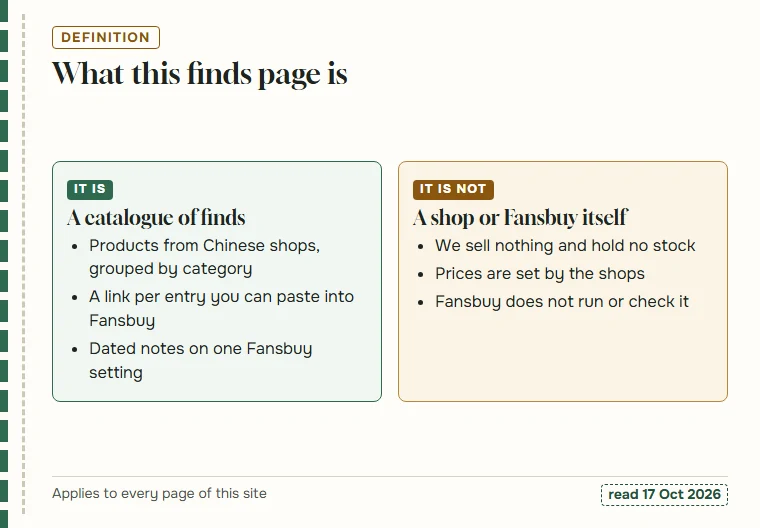
What this Fansbuy Spreadsheet is, and what it is not
In this corner of online shopping a spreadsheet means a catalogue of finds: products from Taobao, Weidian and 1688 that other shoppers have already bought, which you can browse by category and then buy through an agent. The Fansbuy Spreadsheet on this site is that kind of page, pointed at one agent.
It is not a shop, and it is not Fansbuy. The listings belong to independent sellers who set their own prices, and Fansbuy neither runs nor reviews what we write. What this site adds is narrow on purpose: dated notes on the permission that decides whether later differences leave your balance.
That focus is why every category note above mentions sizes, options or parcel bulk. Those are the details that later turn into a price adjustment, a Problematic Order or a shipping difference.
Picking a listing so the order is not flagged as problematic
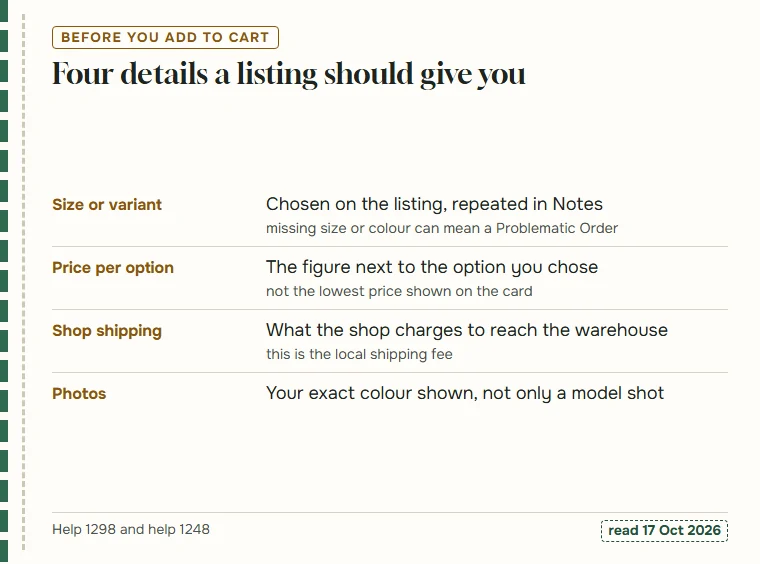
Most of what happens after payment starts with what the listing left unclear. Fansbuy’s order status page defines a Problematic Order as one with no required size or colour description, waiting for you to confirm again. So the first part of how to pick a listing is simply to choose the variant on the listing itself and repeat it in the order notes.
Second, read the price next to the option you picked. Many shops show their cheapest option on the card; the size or colour you want can cost more, and if the shop corrects that after you pay, it reaches Fansbuy as a seller price adjustment. Third, look at what the shop charges to send the item to the warehouse, because a change there is the local shipping fee the agreement mentions.
If you change your mind later, the colour and size answer explains what to do while the order is Pending and once it is Confirmed.
Seller habits that often come before a price adjustment
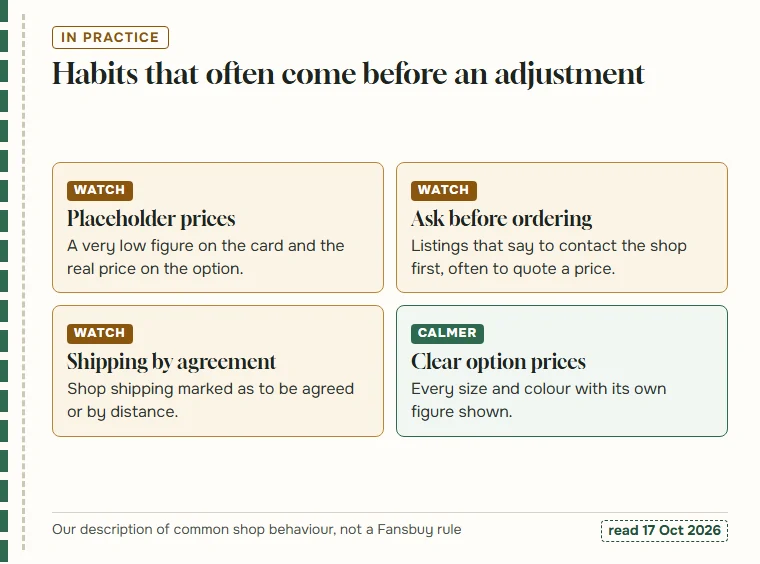
No agent can stop a shop from changing its price, but some seller signals make a change more likely. This is how to judge a seller with the permission in mind, based on how Chinese marketplace shops usually behave rather than on any Fansbuy rule.
A card price far below the rest of the shop is often a placeholder: the real price sits on the option, and an order placed at the placeholder gets corrected. Listings that ask you to contact the shop before ordering usually want to quote a price. Shop shipping marked as by agreement, or by distance, tends to be adjusted once the address is known, and for an agent that address is the warehouse.
The calmer listings show every size and colour with its own figure and a fixed shipping charge. None of this tells you whether a seller is honest; it only tells you how likely a difference is to turn up after you pay.
Judging a finds page, this one included
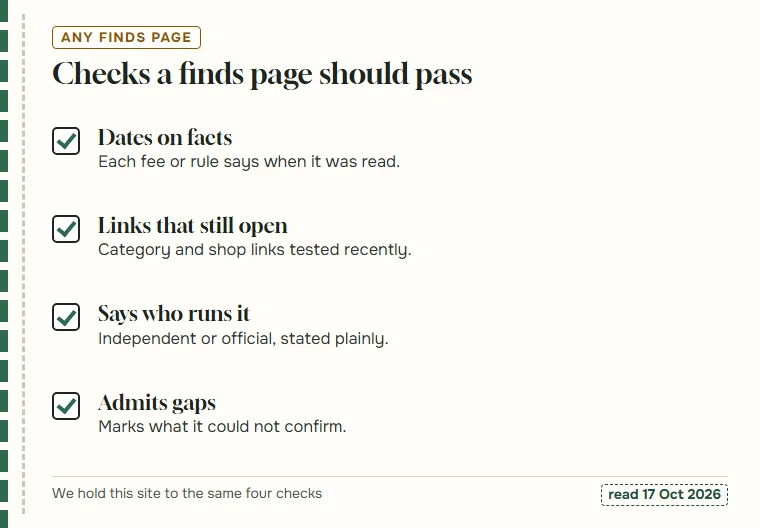
There are many finds pages for every agent, and how to choose a spreadsheet site comes down to a few plain checks. Does each fee or rule carry the date someone read it? Do the category and shop links lead to real, current listings? Does the page say plainly who runs it and whether the agent pays for it? And does it admit what it could not confirm?
A page that states an agent’s fee or ceiling without a date is repeating something that may have changed. A page that never says “we could not see this” is either very lucky or guessing.
We apply the same checks to ourselves. Every Fansbuy line here is dated 17 October 2026, the three open points are listed, and the about page says who writes this and how links are tested.
From a catalogue entry to a Fansbuy cart
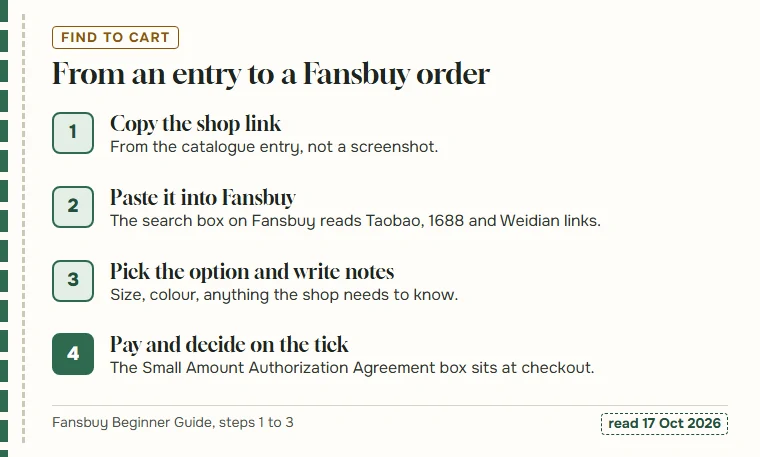
Once you have a find, copy the shop link from its entry and paste it into the search box on Fansbuy. Fansbuy reads links from Taobao, 1688 and Weidian; for other sites its guide points to Fill & Buy, where you type the order details yourself.
Choose the option on the Fansbuy product page, add notes for anything the shop should know, and go to checkout. That is where the Small Amount Authorization Agreement tick sits, with an Adjust limit link beside it that leads to Custom Functions.
The Fansbuy Beginner Guide shows these steps with screenshots. Our two ticks page picks up at the moment the box appears.
An exact request reduces avoidable adjustments
Select the seller’s option before copying the link: size, colour, quantity and any bundle contents. Check whether the displayed price changes and whether domestic delivery is included. Save the measurements and description you relied on. A general catalogue photo cannot tell the buying agent which of several versions you want.
The Spreadsheet is a directory, while Fansbuy manages the purchase request and your account balance. If the actual price or option differs, an adjustment permission concerns how a charge may be handled; it does not make a substitute product acceptable. Understand the selected authorisations and inspect the order record. If the choice matters to you, give clear instructions and ask before relying on an automatic payment setting.