The Fansbuy balance behind the permission, and the notices you get without it
The permission can only spend what is already in your Fansbuy balance. This page covers what puts money there, what happens when it runs short, how currencies are shown, and where the requests go when the permission is off.
What feeds the balance
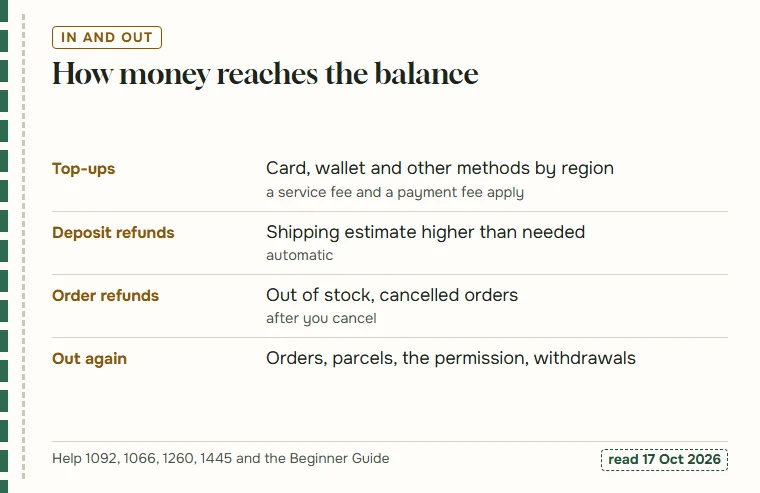
Money reaches the Fansbuy balance in three ways: you top it up, an over-estimated shipping deposit is refunded into it, or an order is refunded after a sell-out or cancellation. At checkout, the Use Balance option spends from it.
Top-ups carry costs that are easy to miss. Fansbuy’s help page on the service fee says it does not charge service fees for orders from shopping platforms, yet its checkout code adds an 8% platform service fee when money goes into the account or an order is paid directly (our own check, 17 October 2026). A payment-method fee is shown at checkout on top. Paying from the balance does not add the 8% a second time.
The Top Up and Multi-channel top-up pages list the methods available by region.
When the balance is short
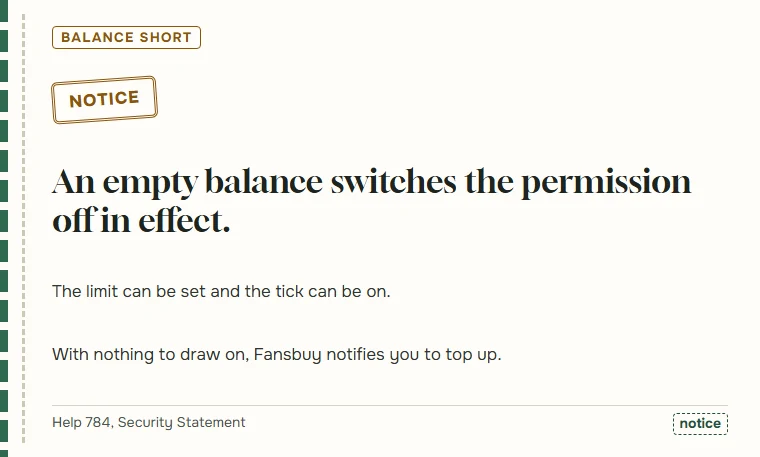
Method 5 in the guide has two conditions, and the second is easy to forget: the difference must be below your amount and your balance must be sufficient. A balance at zero turns the permission into a formality.
For that case the agreement promises one thing: Fansbuy will notify you to top up. It does not say whether the deduction then runs on its own once the top-up arrives or whether you have to pay the request by hand.
In practice people who rely on the permission tend to notice this only once, when a parcel difference arrives as a top-up notice instead of a silent deduction. The coverage card shows both outcomes if you set the balance switch to not sure.
Dollars in the agreement, your currency on screen
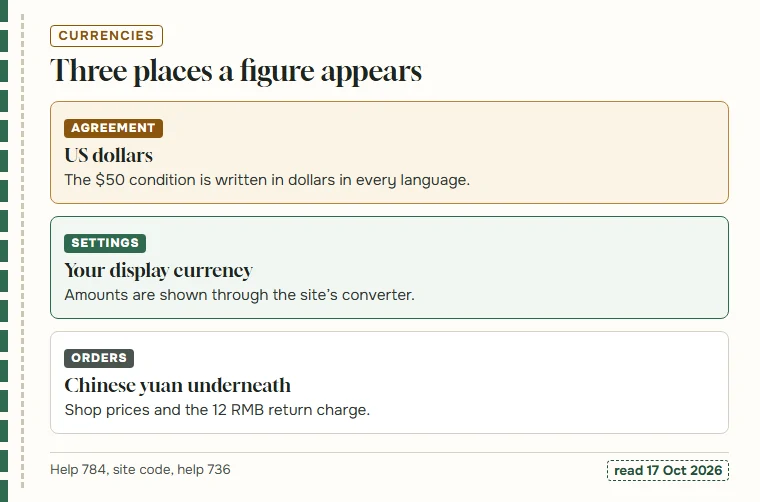
Three currencies meet in this feature. The agreement writes its condition in US dollars. Shop prices, the shop’s shipping and fees such as the 12 RMB return charge are in Chinese yuan. And the settings screen, by our reading of its code, passes amounts through the site’s currency converter, so you see them in whatever currency your account displays.
That means a difference has to be converted before anyone can compare it with $50 or with your amount, and the exchange rate Fansbuy applies is the one shown in your account at the time. Its PayPal page says rates follow the Bank of China and are adjusted from time to time. We do not quote rates here; they move faster than this page.
If the currency matters to your limit, set the amount in the currency you see and leave some room.
With the permission off: messages, email and buyer notes
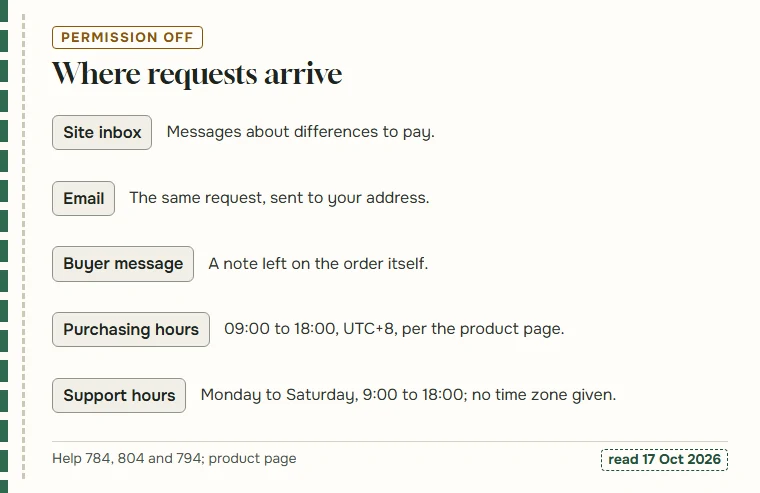
Switch the permission off, or clear a tick, and every covered difference becomes a request. The agreement names the inbox and email as the places to watch. Fansbuy’s order processing answer adds a third: if anything goes wrong with an order, check the buyer’s message on it or contact support.
Timing explains why these requests often arrive overnight for European and American readers. The product page puts purchasing at 09:00 to 18:00 in UTC+8, and the service hours answer gives Monday to Saturday, 9:00 to 18:00, without naming a time zone and noting that Sunday messages may wait.
None of this needs action unless a request is open. When one is, paying it from the order page clears it.
How shoppers usually run the balance
Fansbuy does not tell anyone how much to keep in the balance, and neither do we. What we can describe is how people usually handle it, because the habit decides how often the permission actually does anything.
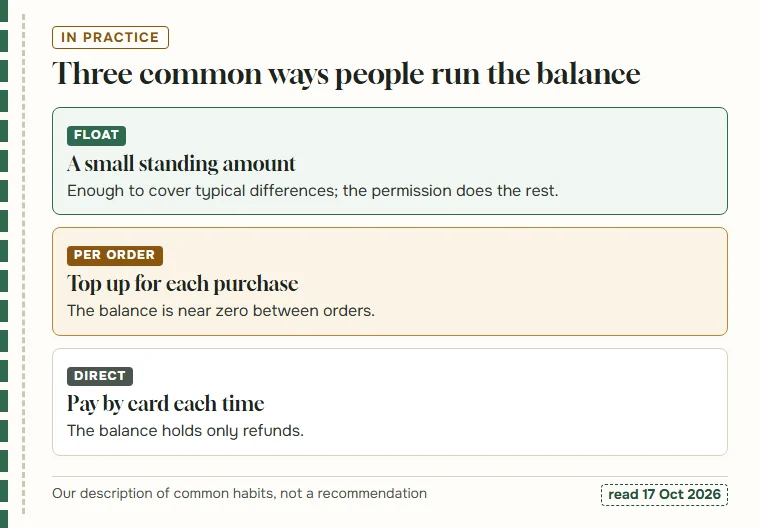
Some keep a small standing amount, roughly what a parcel difference tends to be, and let the permission settle differences quietly. Others top up for each purchase and leave the balance near zero between orders, which means a later difference usually arrives as a top-up notice. A third group pays by card at every checkout, so the balance only ever holds refunds; for them the permission works only when a refund happens to be sitting there.
Each habit has a cost in fees, attention or convenience. The two ticks page shows where each switch is if you want to match the setting to the habit.